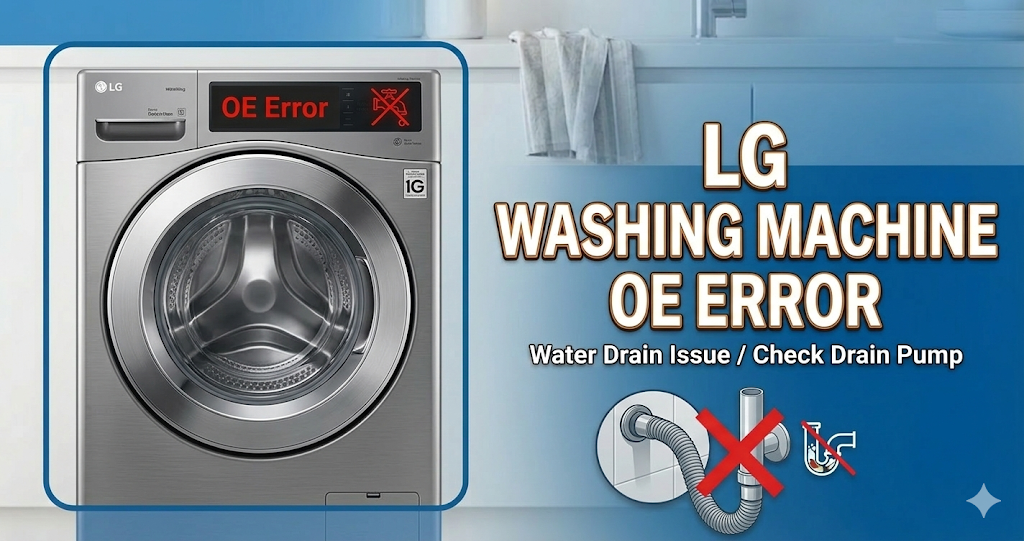
The LG washing machine OE error code means that the washer is unable to drain the water from the tub during the wash or rinse cycle. To clear the code, you must remove the blockage in the drain pump filter or straighten the drain hose so the water can flow out freely.
⚠️ SAFETY FIRST: Before touching anything, absolutely ensure you unplug the washing machine from the electrical outlet. Keep a large towel and a shallow basin nearby, as you will be dealing with standing water.
What Causes the LG Washing Machine OE Error Code?
When your LG washer flashes OE, it is detecting that water is not leaving the drum fast enough. The most common culprits include:
- Clogged drain pump filter: The small filter at the bottom front of the machine catches coins, lint, and small items, easily becoming blocked over time.
- Kinked or crushed drain hose: If the washer was pushed too far back, the corrugated plastic drain hose at the back might be pinched, stopping the water flow.
- Blocked wall standpipe: The plumbing pipe in your house where the drain hose empties might be clogged, causing water to back up into the machine.
- Faulty drain pump: If the path is clear but you don’t hear the pump humming, the pump motor itself or its internal impeller might be broken.
How to Fix LG Washing Machine OE Error Step-by-Step
Follow these actionable steps to clear the blockage and get your washer draining again:
- Check the Drain Hose: Look behind the washing machine. Ensure the grey drain hose is not kinked, crushed under the machine’s feet, or pushed too far down into the wall standpipe (it should only go in about 4 to 5 inches).
- Access the Drain Pump Filter: Locate the small access panel at the bottom left corner of the front of the LG washer. Open the door to reveal the black drain filter cap and a small rubber drain hose.
- Drain the Emergency Water: Unclip the small rubber hose, remove the plug, and let the trapped water drain into a shallow basin. Do not skip this step, or a flood of water will pour out when you open the main filter.
- Clean the Filter: Once the water stops flowing, twist the large black filter cap counterclockwise and pull it out. Remove any hair, coins, or debris. Wash the filter under the sink and screw it firmly back into place.
How to Reset an LG Washing Machine (Soft Reset)
Once the filter is clean and the hose is clear, you need to reset the computer board to clear the OE code. Unplug the washing machine from the wall for 5 minutes. While it is unplugged, press and hold the Start/Pause button for 5 seconds to dissipate any leftover electrical charge. Plug it back in, select a “Spin Only” cycle, and press start to verify the machine drains completely.
When to call a professional?
If you have thoroughly cleaned the drain pump filter and ensured the drain hose is perfectly straight, but the OE error persists, the drain pump motor is likely burnt out or the main control board is failing. Since replacing a pump requires opening the cabinet of the washer and working with internal wiring, it is highly recommended to contact a certified local appliance technician to safely diagnose and replace the faulty part.